

|
Name |
Carlinkit |
|---|---|
|
Google Play Link |
GET IT ON
Google Play
|
|
Category |
Auto & Vehicles |
|
Developer |
DevloApps |
| Last version | 1.2 |
|
Updated |
|
|
Compatible with |
Android 7.0+ |
Introduction to Carlinkit APK
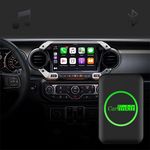
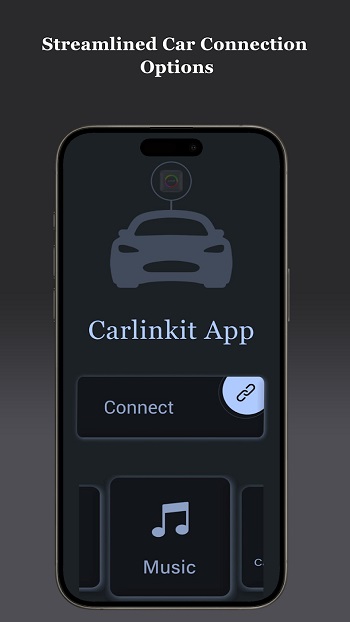
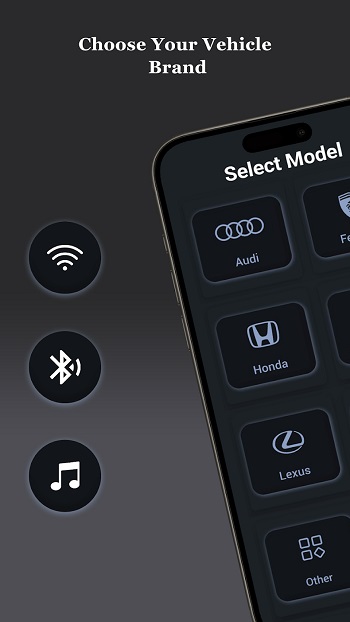
Carlinkit is a mobile application designed to bridge the gap between smartphones and car infotainment systems. Classified as a utility tool, it simplifies in-car connectivity by linking your device with supported Carlinkit hardware. Instead of dealing with cables or complex setups, the app focuses on creating a smoother and more reliable driving companion.
The primary purpose of Carlinkit is to give drivers an easy way to use Android Auto or MirrorLink in vehicles that support Carlinkit devices. This allows quick access to maps, calling functions, messaging, and entertainment apps without juggling between the phone and car screen. For drivers who rely on apps during daily commutes or long trips, it keeps everything consolidated in one place.
Key features of Carlinkit include support for Android Auto integration, full MirrorLink functionality, and high-definition screen mirroring. It pairs wirelessly with multiple Carlinkit devices, such as AI Box, 5.0 Air, Auto A2A, HDMI Adapter, Mini SE, and Tesla T2C. These features make it adaptable to different cars and hardware setups, giving users flexibility based on what they own.
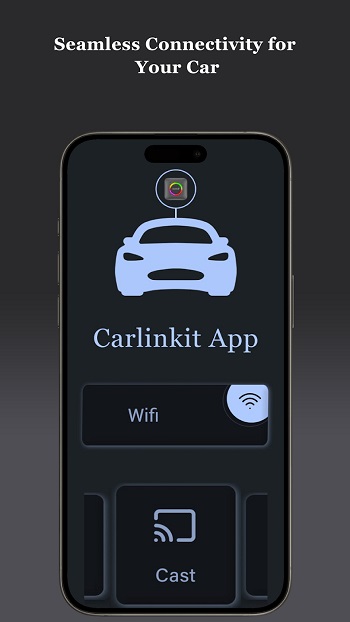
The app’s advantages lie in its convenience and stability. It offers quick pairing through Bluetooth or Wi-Fi and maintains a strong connection even during long journeys. This makes it useful for anyone who dislikes constant interruptions or lag when using navigation and music apps. The ability to mirror a phone screen onto a larger car display is another strong point, especially for users who prefer a more visible interface.
That said, Carlinkit does have its limitations. Its compatibility depends on whether the car system supports Carlinkit devices. Some users may find setup slightly technical at first, and occasional lag can occur depending on the hardware and internet speed. These aren’t major drawbacks but worth noting for those expecting flawless performance across all conditions.
Carlinkit is best suited for drivers who frequently use apps while traveling, commuters who want easy navigation access, and anyone who enjoys having entertainment controls on a bigger display. It’s particularly handy for people with supported Carlinkit devices looking for a straightforward, wireless solution to connect their phone and car without complications.
FAQs Carlinkit
What is Carlinkit?
+
Carlinkit is a mobile app that connects smartphones to car infotainment systems using devices like AI Box, Mini SE, and Tesla T2C.
Does Carlinkit work with Android Auto?
+
Yes, it supports Android Auto, making it easy to navigate, call, and access apps through your car’s screen.
Which devices are compatible with Carlinkit?
+
It works with Carlinkit AI Box, 5.0 Air, Auto A2A, HDMI Adapter, Mini SE, and Tesla T2C.
What are the benefits of using Carlinkit?
+
Users get wireless connectivity, HD screen mirroring, stable connections, and easy access to navigation and entertainment apps.
Are there any downsides to Carlinkit?
+
Some limitations include initial setup complexity, reliance on supported devices, and occasional lag depending on hardware.
Discover More Interesting Apps



Share Your Thoughts